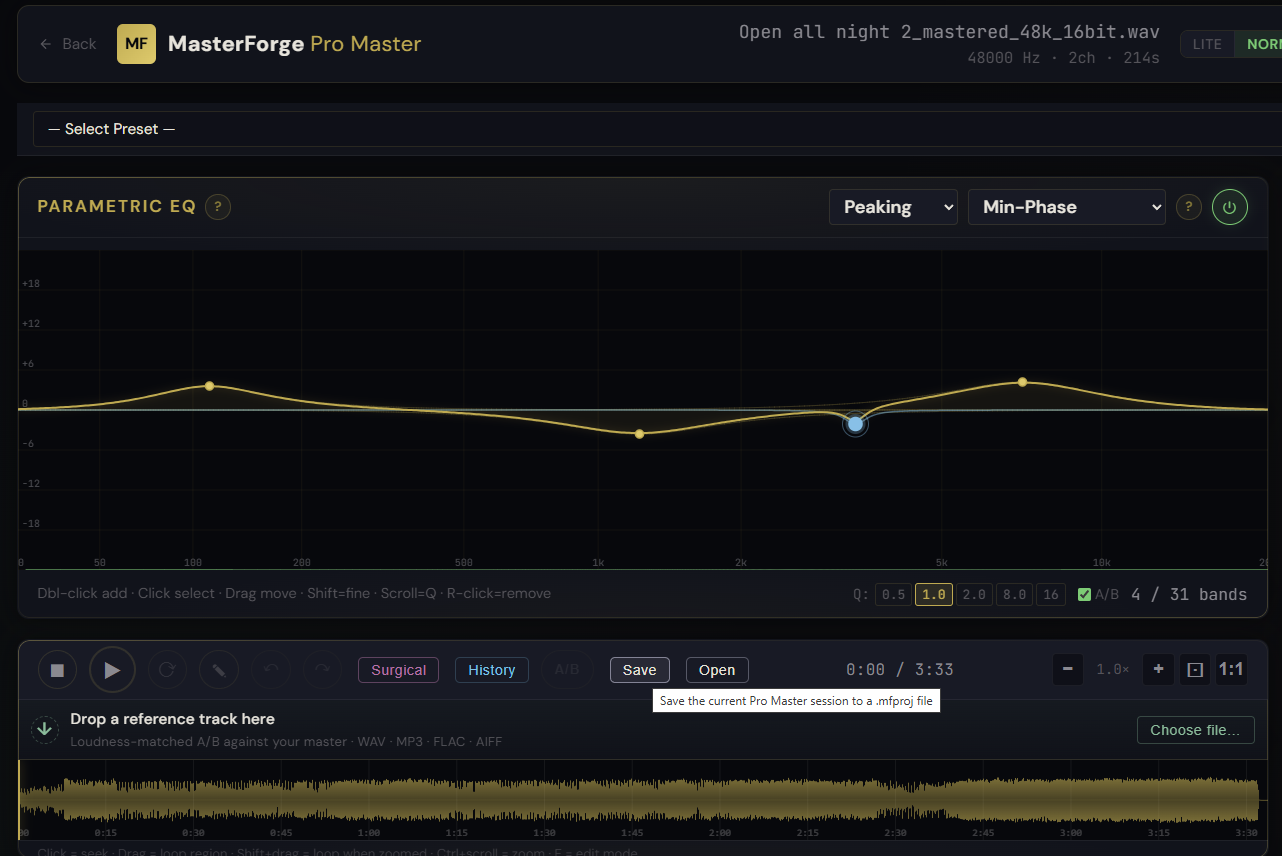
Mastering rarely happens in one sitting. You set the chain, run through the track, take a break, come back, adjust. Closing the tab used to mean losing everything except the export. Project save and load changes that: your full Pro Master session is now one portable file that you can reopen any time and continue exactly where you left off.
What is in the file
A .mfproj is a zip archive that bundles everything a session needs to come back to life:
- The source audio as 32-bit float WAV at the original sample rate, including any surgical cuts and gain edits that are already baked in
- The full DSP chain: input gain, HPF, every EQ band, compressor, saturation, transient shaper, sub-bass enhancer, harmonic exciter, de-esser, AI artifact suppressor, stereo, limiter, output
- Match EQ tags so corrective bands stay marked with the sage-green accent
- The loaded reference track with its LUFS measurement and trim
- Edit history markers for the History panel (surgical cuts, gain attenuations)
How to use it
- Click Save in the main waveform toolbar to download a .mfproj of the current session. Filename is auto-generated as
<source>-<YYYYMMDD-HHmm>.mfproj - Click Open (or drop a .mfproj on the waveform) to restore. JSZip is lazy-loaded only on first use, so the homepage stays light
- If the file is corrupted or pieces are missing, restore is best-effort: the source audio is required, everything else degrades gracefully with a status note
What it affects
For multi-session masters, save / load is the difference between continuing a chain and recreating it. The .mfproj is also a clean way to archive a finished master with the exact settings that produced it, or to hand a session over to someone else without losing fidelity. Single-track sessions only in this first release, multi-track save lands later. Surgical cuts are baked into the saved audio (the file is exactly what you heard), and the markers come back in the History panel.