What it is
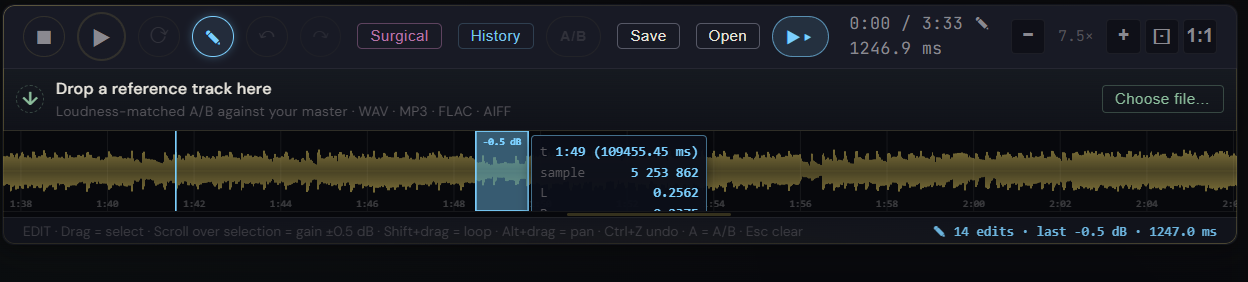
A sample-level click and pop remover that lets you zoom the waveform down to individual samples and silence individual sample frames. The zoom is adaptive: it scales to roughly one sample per pixel, depending on clip length and canvas width. Most click removers operate on windows of dozens of milliseconds and smear the surrounding signal; this one works at the actual sample level, a few frames of attenuation that take out the click without touching the audio one millisecond either side.
How to use it
- Find the click in normal waveform view (a vertical spike that doesn't belong)
- Ctrl+scroll on the waveform to zoom in — keep zooming until individual sample frames are visible
- At sample-level zoom a click is typically 2-10 frames wide, instantly identifiable
- Paint a tiny region around the offending frames
- Apply a strong gain attenuation (down to silence) — the few-frame duration is too short to hear as a gap
- The edit lands in the History panel like any gain attenuation, fully undoable
What it affects
Digital clicks, pops, and brief glitches that conventional repair tools either miss (too narrow) or smear (their window is too wide). Common cases: USB audio dropouts, splice points between takes, AI-generated rendering artifacts, vinyl-rip clicks. Because the attenuation is so short, listeners cannot hear the repair — only that the click is gone.