What it is
Starter is MasterForge's free mastering app, and version 2 is a rebuild from the ground up. Instead of applying a fixed preset, it measures your track first, in the browser, and derives the whole mastering chain from what it hears: loudness, true peak, crest, spectral balance, stereo correlation and the artifact scores neural audio tends to carry. Your audio never leaves your device.
Three ways in
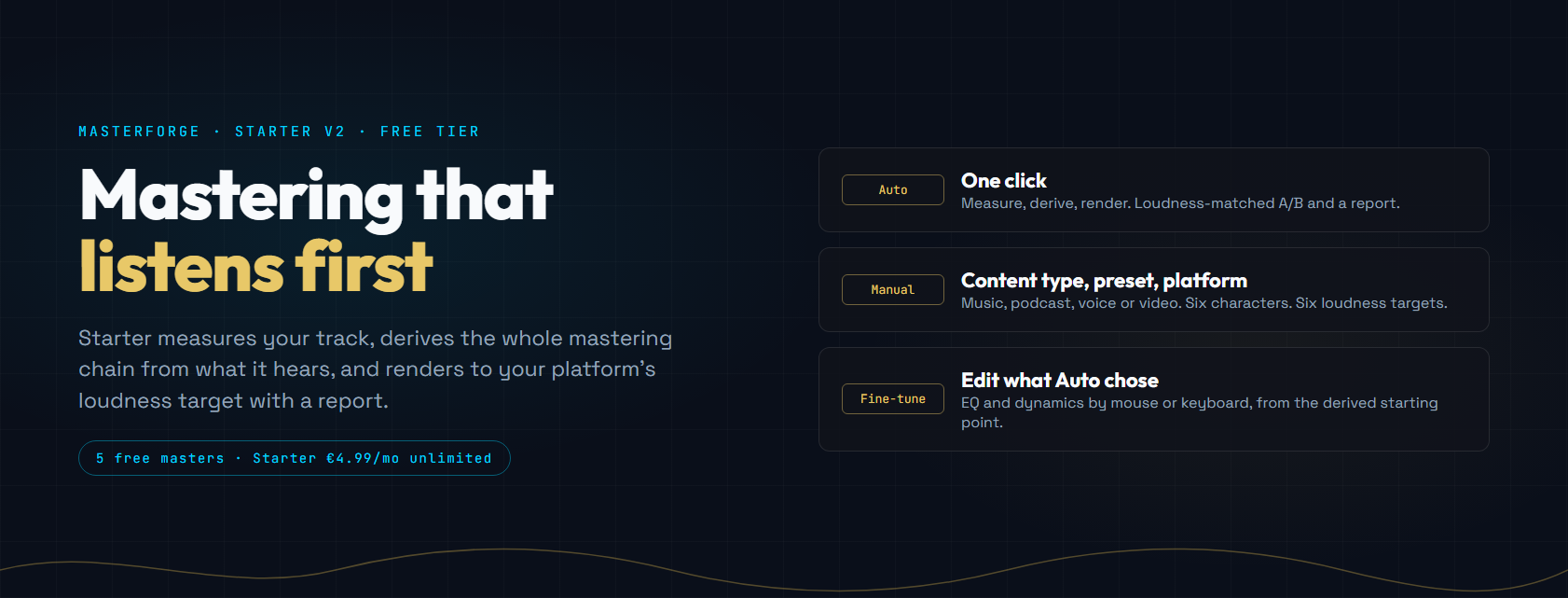
- Auto. One click. Starter measures, derives the chain and renders at your platform's loudness target, then gives you a loudness-matched A/B and a report.
- Manual. Choose the content type (music, podcast, voice or video), one of six character presets and a platform target yourself. The chain is still derived from the measurement; the preset is a direction, not a fixed curve.
- Fine-tune. Open the EQ and dynamics Auto chose and edit them, by mouse or by keyboard, from the derived starting point.
Presets and platforms
Six characters: Balanced, Clear & Defined, Warm & Rich, Bright & Airy, Podcast and Voice, plus Raw (platform loudness only) and Custom. Six platform targets: Streaming (Spotify, Tidal), Apple Music, YouTube, Podcast, Club and Reference, each with its own loudness target and true-peak ceiling.
What you get back
A WAV master (16- or 24-bit) at your target, and a mastering report that says what was measured, what was flagged and what was done about it. The A/B player matches loudness between original and master so the louder one does not win by default.