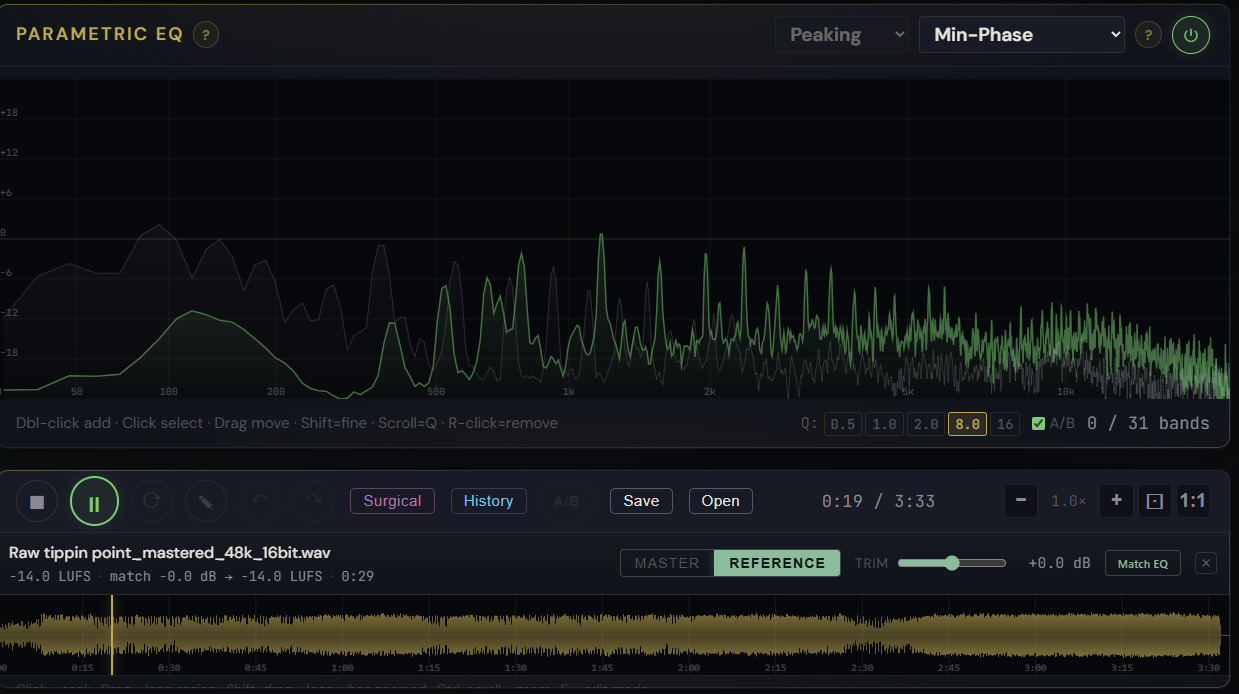
What it is
Match EQ fits a 12-band parametric correction curve from a loaded reference track and lets you preview it before any band lands in the live chain. It analyzes the loop region if you have one set, otherwise the loudest 10-15 second window of your master, renders it through the current chain offline, measures the 1/3-octave spectrum, and fits the top peaks of the difference inside a sane mastering range (clamped at ±6 dB per band).
How to use it
- Drop a reference track on the reference strip below the main waveform
- Click Match EQ on the reference strip
- The popover renders the current EQ chain in gold and the proposed match curve as a sage-green dashed overlay
- Apply Match commits the bands — they appear in the EQ visualizer with a sage-green accent so you can spot them at a glance
- Reset Match removes only the match-tagged bands; bands you authored manually are untouched
What it affects
Tonal balance only — Match EQ never touches dynamics, stereo, or anything else. The matched bands are real bands in the parametric EQ; they show in the chain like any band you'd add manually, but they're tagged so the reset works precisely. Match-tagged bands also persist when you save the session as a .mfproj.
Go Pro, €9.99/mo →
Included in the Pro tier. Already subscribed? Open Pro Master.