What it is
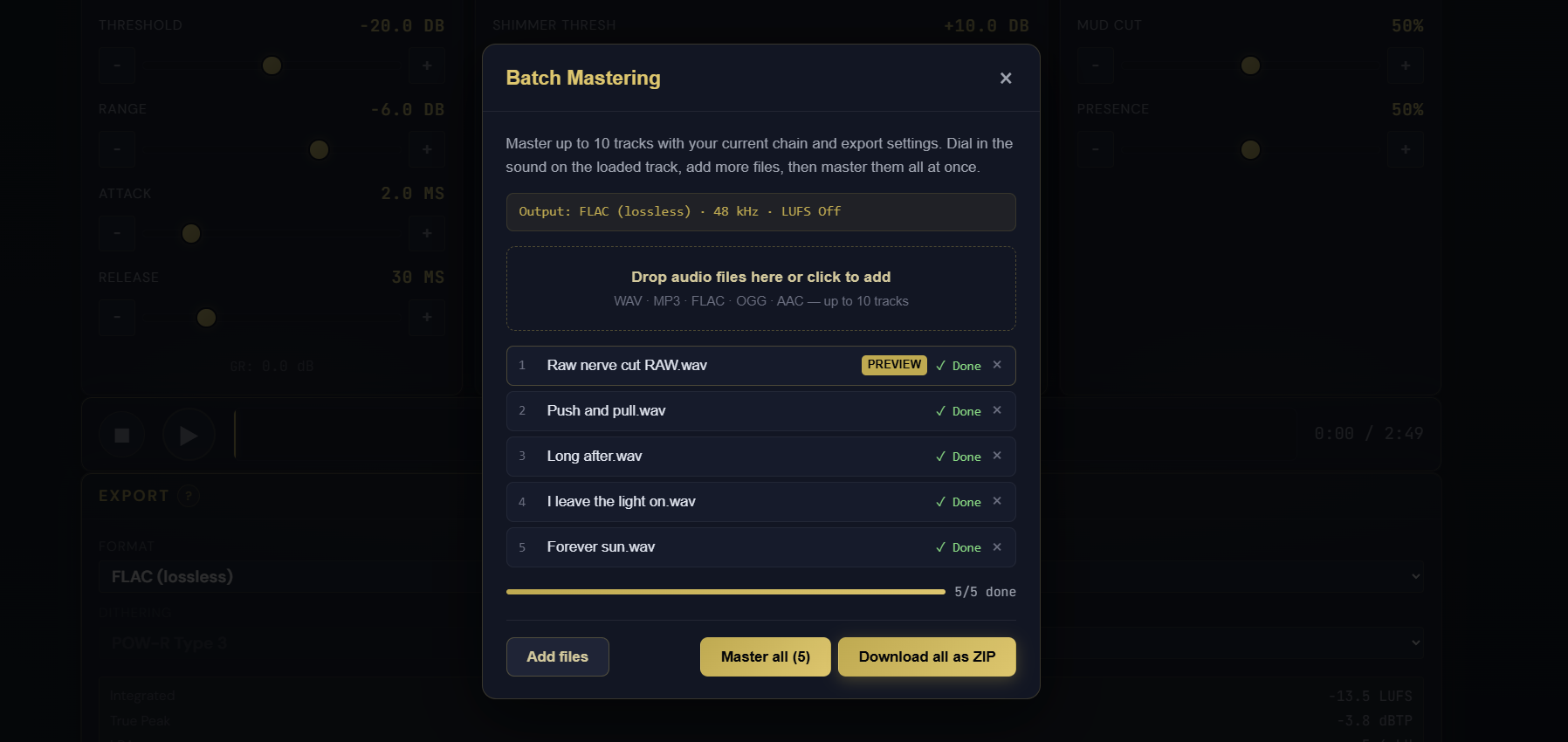
A way to master a whole set of tracks with one chain. Dial in your processing on a single loaded track, then add up to nine more files, and Pro Master renders all of them with the same chain and your current export settings: format, sample rate, and LUFS target. Each track shows live progress, a failed file does not stop the rest, and you download every finished master together as a ZIP. MasterForge Starter already had batch mastering; now Pro Master does too.
How to use it
- Load and tune a track until the chain sounds right
- Set your export format, sample rate, and LUFS target as you normally would
- Open Batch master from the export panel and add up to nine more files (10 total)
- Start the batch and watch per-track progress as each render completes
- Download the finished masters as a single ZIP
What it affects
This is a throughput tool, not a new sound. Every track in the batch goes through the exact same chain and export settings you set up, so an EP or an album of AI-generated tracks comes out consistent from file to file. It is ideal when you have dialled in a recipe and want to apply it across a release without re-loading and re-exporting one track at a time. A registered account is required to open the batch tool.